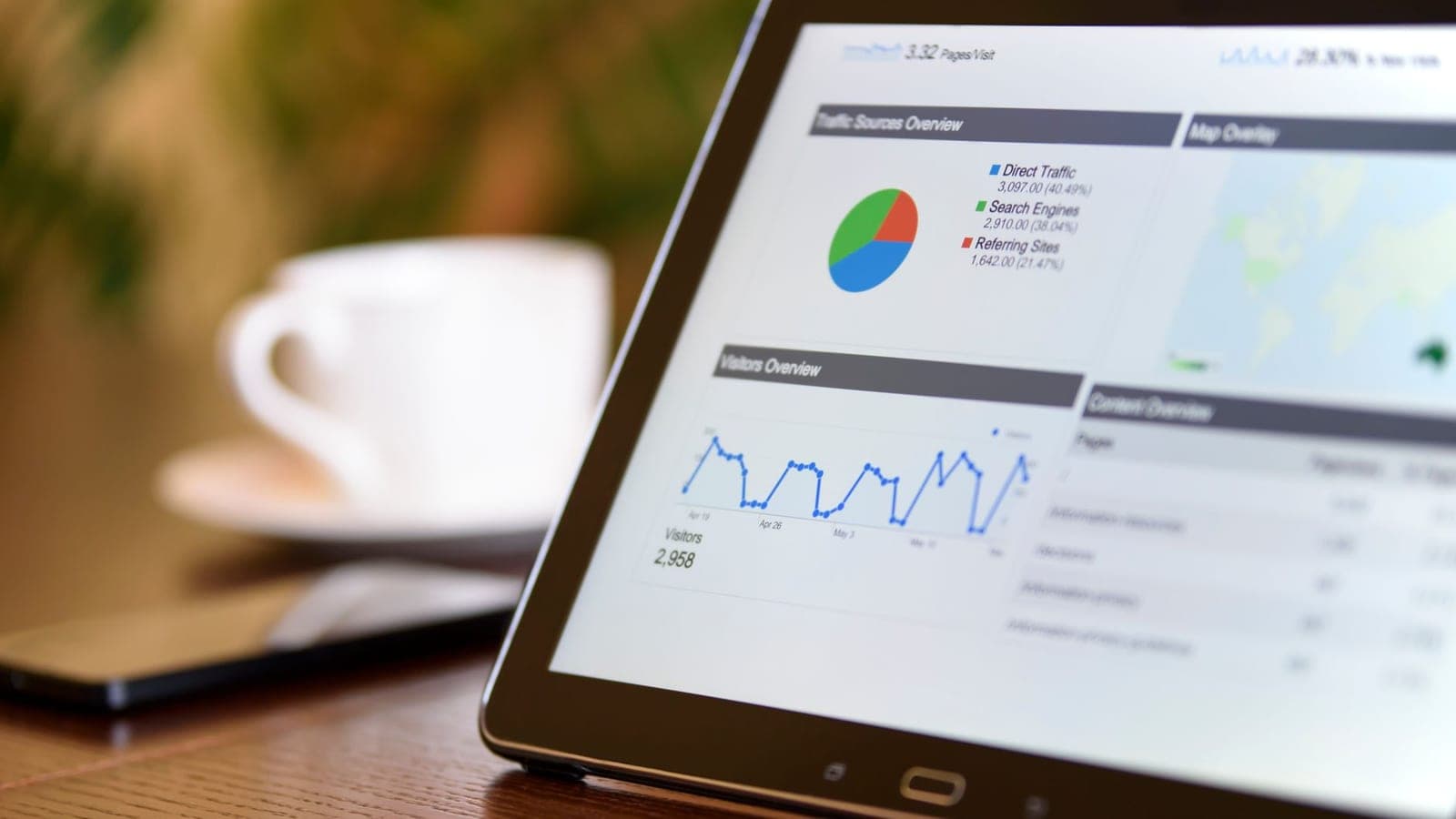
You sell tickets. You know how many you've sold and how many are left. Maybe you check a spreadsheet every now and then to see how the numbers are doing. But if the way you measure an event's performance comes down to "tickets sold vs. tickets available," you're making decisions with your eyes half closed.
A well-configured ticketing dashboard is the difference between reacting when it's already too late and getting ahead while you can still act. Between discovering a conversion problem on the day of the event and spotting it three weeks earlier, when you can still fix it. Between knowing you've sold 2,000 tickets and understanding *why*, *when*, *from where* and *at what pace*.
In this guide we're going to break down the 10 metrics that should be on any professional organizer's dashboard. For each one, we explain what it measures, why it matters and what concrete action you can take when the number isn't what you expected.
1. Sell-through rate: the pulse of your event
The sell-through rate is the percentage of tickets sold out of the total available. It's the most basic metric, but also the most misleading if looked at in isolation.
What it measures exactly
If you have 5,000 tickets and you've sold 3,500, your sell-through rate is 70%. It seems simple, but the real value lies in how it evolves over time. A 70% rate two months before the event is excellent; a 70% rate two days before could be a problem if you were expecting to sell out.
Why it matters
The sell-through rate tells you whether you're on track to hit your occupancy target. But you need context: where was this number on the same date for your last similar event? What's your typical sales curve? Most events have a sales spike at the start (on-sale), a dip in the middle and a final surge (last units or FOMO). If your sell-through is below the expected curve in any of these phases, you need to act.
What to do if it's not working
If the sell-through rate stalls earlier than expected, you have several levers: launch a retargeting campaign to people who visited the page but didn't buy, activate a temporary promo code to create urgency, ramp up your communication on social media with fresh content (confirmed artists, set times, exclusive experiences), or consider a one-off price reduction that's smaller than the cost of having a half-empty venue.
2. Revenue by channel: where your money comes from
Not all sales are equal. Knowing how many tickets you've sold is important, but knowing *where* those sales come from is what lets you spend every marketing euro more wisely.
What it measures exactly
Revenue by channel breaks down your income by sales origin: your own website, embedded widget, social media, email marketing, affiliate links, physical points of sale or the platform marketplace. Each channel has its own acquisition costs and conversion rate.
Why it matters
If 60% of your sales come from your own website and 5% from Instagram, that doesn't mean Instagram isn't working: maybe Instagram generates the traffic that then converts on the website. But if you're spending 40% of your marketing budget on a channel that drives 3% of direct sales, you need to rethink the distribution.
What to do with this information
Identify the channels with the best cost/sale ratio and double the investment there. For underperforming channels, before cutting them, check whether they act as assist channels (generating awareness that converts on another channel). If after a week of testing a channel still fails to produce measurable returns, redirect that budget.
3. Conversion funnel: where buyers drop off
The conversion funnel tracks the buyer's complete journey: from landing on the event page to completing the purchase. Each step in the process has an abandonment rate, and those rates hide enormous opportunities.
The funnel stages
A typical ticketing funnel has these stages: visit to the event page, click on "Buy tickets," ticket and quantity selection, registration or login, entering payment details and purchase confirmation. At each transition, a percentage of users drops off.
Indicative benchmarks
In ticketing, an overall conversion rate (visit to purchase) of 3-5% is common for cold traffic (ads, social media). For warm traffic (email to your database, direct links), it can reach 15-25%. If your overall conversion is below 2%, there's a clear problem at some point in the funnel.
Where the bottlenecks usually are
The most common drop-off points are: the event page (unclear content, lack of urgency), the registration step (long forms or mandatory login), and the checkout (unexpected additional costs, few payment methods, slow process on mobile). To understand how to recover sales lost at checkout, we recommend this guide on how to recover abandoned carts.
4. Average ticket price: beyond the list price
The average ticket price (ATP) is the total revenue divided by the number of tickets sold. If you sell tickets at 25, 40 and 80 euros, your ATP won't be any of those numbers, but a weighted average based on the quantity sold of each type.
What it measures exactly
The ATP reflects the real mix of your sold inventory. If you have three categories (general at 25 euros, VIP at 60 euros and Premium at 100 euros) and 80% of sales are general, your ATP will be close to 32 euros. If VIP sales rise to 30%, your ATP goes up to 36 euros without you changing any price.
Why it matters
The ATP connects directly to your total revenue. If you need to bring in 150,000 euros with 5,000 tickets, your target ATP is 30 euros. If it's currently at 26 euros, you know you need to sell more tickets in the higher categories or adjust prices. It's an especially useful metric if you use dynamic pricing, because it lets you see whether the automatic adjustments are raising or lowering your average income.
What to do if the ATP is low
Review the distribution by category. If the cheapest category concentrates an excessive percentage of sales, the price jump to the next category may be too large. Consider creating an intermediate category, adding perceptible value to the higher categories (premium area, early access, included drinks), or adjusting the number of tickets available per category to create controlled scarcity in the cheaper ones.
5. Purchase peaks: when your audience buys
Purchase peaks (peak purchase times) show on which days of the week and at what hours sales are concentrated. This data seems trivial until you use it to schedule your marketing and communication campaigns.
What patterns to look for
Most cultural and leisure events in Spain show a clear pattern: a sales peak on Mondays and Tuesdays (when people plan the weekend), a dip between Wednesday and Friday, and a smaller surge on Sundays. By hour, the peaks are usually between 10:00-12:00 and 21:00-23:00. But every type of event and every audience has its own pattern.
Why it matters
If you know your audience mostly buys on Mondays between 10 and 12, that's the time to send your newsletter, publish your post on social media and activate your ad campaigns. Posting a sales reminder on a Friday at 15:00 when your audience buys on Monday mornings is throwing money away.
How to use this metric
Cross-reference your purchase peak data with your marketing channel data. Do the peaks match the timing of your email sends? With your ad scheduling? If they don't match, adjust the scheduling. In addition, when you launch a promotion or a discount code, do it just before your natural sales peak, not at a random moment. You'll multiply the impact of every communication.
6. Geographic distribution: where your attendees come from
Geographic distribution breaks down sales by buyer location: city, province, postal code or even country. It's one of the most underused metrics among organizers.
What it measures exactly
Based on the billing address or the buyer's IP, you can map where your attendees come from. For a festival in Valencia, how many sales come from Valencia itself, how many from Madrid, how many from Barcelona? Do you have international buyers?
Why it matters
Geographic distribution tells you three fundamental things: where to concentrate your advertising investment (if 40% of your buyers come from Madrid, increase your presence in Madrid), which markets remain untapped (if only 2% comes from Seville for a festival in Andalusia, there's unexploited potential), and whether you need to adjust the logistics (parking, transport, accommodation) based on your audience's travel profile.
Concrete actions
Create geolocated advertising campaigns. If you detect a main catchment radius of 200 km, define that as your primary market and allocate 70% of the budget there. Distribute the remaining 30% across secondary markets with test campaigns to see which ones respond. For out-of-town buyers, include transport and accommodation information in your post-purchase communication: making it easier to attend reduces cancellations.
7. Refund rate: the silent alarm signal
The refund rate is the percentage of tickets returned out of the total sold. It's a metric no one wants to look at, but one that contains vital information about your event's health.
Industry benchmarks
A refund rate of 2-5% is considered normal for entertainment events. Between 5% and 10% it starts to be concerning. Above 10%, you have a serious problem that requires immediate investigation.
Why it matters more than you think
Every refund has a triple cost: the lost sale, the platform commission (which generally isn't returned) and the cost of processing the return. But the biggest cost is what the refund is telling you: something doesn't add up between what the buyer expected and what they perceive they're going to receive.
Warning signs in refunds
If refunds cluster right after an announcement (a change in lineup, schedule or venue), the cause is clear and you can respond with proactive communication. If they're distributed evenly, there may be an expectations problem: maybe the event description isn't accurate, the price is perceived as high for what you offer, or there's direct competition from another event on the same date.
How to reduce the refund rate
Improve pre-event communication: the clearer it is what the buyer is going to receive, the fewer surprises there will be. Offer alternatives to refunds (ticket transfer, date change, credit for future events). And if the rate is high, instead of making the return process harder (which only generates frustration and chargebacks), investigate and fix the root cause.
8. Cart abandonment: money left on the table
Cart abandonment measures the percentage of users who start the purchase process (select tickets) but don't complete it. In e-commerce the average abandonment rate is around 70%; in ticketing it tends to be somewhat lower (50-65%) because purchase intent is higher, but it's still an enormous figure.
What it measures exactly
It's calculated as: (checkouts started - completed purchases) / checkouts started × 100. If 1,000 people click "Buy" and only 400 complete the purchase, your abandonment rate is 60%. That's 600 potential lost sales.
The main causes
The five most frequent reasons for abandonment in ticketing are: unexpected additional costs at checkout (fees that appear at the end), a purchase process that's too long or complicated, lack of preferred payment methods (Bizum, Apple Pay, financing), technical problems on mobile (65% of ticket purchases are made from a phone), and mandatory registration to buy.
The real impact in numbers
If your event has 10,000 visits with an add-to-cart rate of 20% (2,000 carts) and 60% abandonment, you complete 800 sales. If you reduce abandonment to 40%, you complete 1,200 sales: 50% more revenue without spending a single extra euro on marketing. You can dig deeper into concrete recovery strategies in our guide on recovering abandoned carts.
Actions to reduce abandonment
Show all costs from the very first moment (no surprises at the last step). Simplify the checkout to the minimum necessary fields. Offer guest checkout without mandatory registration. Add the most used payment methods in your market. Make sure the process works flawlessly on mobile, which is where most of your audience buys. And set up automatic recovery emails for those who leave their cart halfway.
9. Real-time capacity: by-the-minute occupancy control
Real-time capacity shows the venue's current occupancy during the event. It's not a sales metric, but an operational metric that takes on enormous importance on the big day.
What it measures exactly
By combining data on tickets sold, tickets validated at the door (scanned QRs) and exits (if applicable), the system calculates how many people are inside the venue at any given moment. If you want to dig deeper into this topic, check out our guide to real-time capacity management. For events with multiple zones (stages, bars, VIP), it can be broken down by area.
Why it matters
Since the pandemic, capacity control has gone from being a recommendation to a legal requirement in many autonomous regions. But beyond regulatory compliance, knowing how many people are inside in real time lets you redistribute resources (open more bars if there's saturation), manage entry queues (speed up or slow down scanning), prevent security problems (overcrowding in a specific area) and make decisions about last-minute tickets (you can sell tickets at the door if occupancy allows it safely).
How to implement it
Real-time capacity control requires a ticketing platform with scanning connected to a live dashboard. The QR scanners of your access team must report each validation to the server, and the dashboard must display occupancy with a maximum delay of seconds. If your current system only tells you how many tickets were sold but not how many have been validated, you have a blind spot on the day of the event.
10. Revenue forecast: predict rather than react
The revenue forecast uses historical sales data (sales curve, current pace, comparison with previous events) to project the total revenue at the close of sales. It's the metric that separates the organizers who manage from those who speculate.
What it measures exactly
The forecast combines current revenue with a projection based on the sales trend. If you've sold 2,000 tickets in the first three weeks and your historical curve indicates that 60% of sales happen in the last two weeks, the forecast will project a total of approximately 5,000 tickets sold, with a confidence interval.
Why it matters
The forecast lets you make decisions ahead of time. If the projection indicates you're not going to reach the break-even point, you can act with weeks of margin: ramp up marketing, launch a promotion, find a last-minute sponsor or even resize the production to adjust costs. If you wait to see the final numbers before reacting, you'll have lost your room to maneuver.
How to interpret the forecast
No forecast is a certainty. Work with scenarios: optimistic (the curve improves), base (the current pace holds) and pessimistic (the pace slows). Make decisions based on the base scenario, but have plans ready for the pessimistic one. Update the forecast weekly and compare it with reality: if the projection consistently fails, adjust the model or check whether there are external factors (competition, weather, lineup changes) that you're not capturing.
Connecting the forecast with operations
The forecast doesn't only affect marketing. If you project 3,000 attendees instead of 5,000, you need fewer security staff, fewer bars, less food and drink. Sharing the forecast with your operations team lets them size resources in advance and avoid the overcost of hiring too many or, worse, the operational problem of falling short.
How to set up a dashboard you'll actually use
Having ten metrics available is useless if the dashboard is buried in a tab you never open. The key is to design a system that gives you the right information at the right time.
Level 1: quick daily view (30 seconds)
Sell-through rate, accumulated revenue and forecast. Three numbers you can review every morning with your coffee. If any of them shows a significant deviation from the previous day, you dig deeper.
Level 2: weekly analysis (15 minutes)
Revenue by channel, purchase peaks, geographic distribution and average ticket price. This data lets you adjust your marketing strategy each week. Set aside a 15-minute block on Mondays to review the previous week and plan the next.
Level 3: monthly or post-event analysis (1 hour)
Full conversion funnel, refund rate, cart abandonment and real-time capacity (post-event). This data is what informs strategic decisions for future events: what to change in the purchase process, in the communication, in the pricing policy.
Automatic alerts
Set up alerts that notify you when a metric deviates from what's expected: sell-through below the projected curve, refund rate above 5%, cart abandonment above 65%, unexpected traffic spike (possible viral moment or technical problem). Alerts turn your dashboard from something passive (you check it when you remember) into something active (it tells you when you need to act).
What are the most common mistakes when interpreting ticketing metrics?
Measuring well is only half the job. Interpreting correctly is the other half, and it's where many organizers go wrong.
Confusing correlation with causation
"We made an Instagram post and sales went up" doesn't mean the post caused the sales. Maybe it coincided with the day of the week when your buyers buy the most, or with a mention of the event in another outlet. To attribute causation, you need UTMs on every link and rigorous channel tracking.
Looking at metrics in isolation
An 80% sell-through looks excellent until you see that your refund rate is 15%. Or that your ATP has dropped 20% because all the growth comes from the cheapest tickets. Metrics are interpreted together, not separately.
Overreacting to normal fluctuations
Ticket sales aren't linear. There are good days and bad days. If you panic every time there's a day of low sales, you'll end up making reactive decisions that do more harm than good. Look at weekly trends, not daily fluctuations.
Why does a ticketing dashboard matter?
A ticketing dashboard is not a technological whim or a "nice to have" feature. It's the tool that lets you go from managing events on intuition to managing them with data. The ten metrics we've covered — sell-through rate, revenue by channel, conversion funnel, average ticket price, purchase peaks, geographic distribution, refund rate, cart abandonment, real-time capacity and revenue forecast — form a complete system to understand what's happening with your event and act before it's too late.
Start with the three or four metrics that have the most impact on your type of event. Review them with discipline. And when a metric tells you something you don't want to hear, remember: the uncomfortable information is the most valuable, because it's the one that gives you the chance to change the outcome.
If you want to see how an analytics dashboard designed for organizers works, you can explore Futura Tickets' features on our product page.